Convert PDF into PNG

Convert PDF pages into PNG images, when you need clear visuals for design work, sharing or digital publishing

Ideal for pulling crisp images, diagrams, and logos from PDFs
Easily extract document visuals to use in design and content work
Perfect for detailed visual review, design placement, sharing, and archiving

24/7 multilingual phone, chat
and email support | +1-844-898-1076

pdf
Upload Your Files
Drop a File to Convert
or

Everything you can do with ConvertSimpli

Do more with AI-powered file conversion

Convert and edit any type of file easily

  • Export individual PDF pages as high-res PNG images
  • Easily isolate document visual assets for UI/UX wireframes and graphics
  • Preserve sharp visuals in graphic design tools like Photoshop and InDesign
  • Reuse pages in content, slides and design workflows
PDF pages being exported as PNG images

Frequently asked questions

Simple answers to your questions

How do I convert PDF to PNG?
Upload the PDF, select PDF to PNG and download the resulting PNG image files. Each PDF page is generally exported as a separate image.
Why choose PNG instead of JPG for PDF pages?
PNG can be useful for screenshots, line art, graphics and text-heavy visuals because it is designed to retain crisp edges and detailed image elements.
Can I use PDF-to-PNG files in a presentation?
Yes. PNG exports can be inserted into slides, design files, messages and web content when you need a visual version of a PDF page.
Will text become editable after PDF-to-PNG conversion?
No. A PNG is an image file, so text becomes part of the image and is not editable. To edit the text, do so when it is still a PDF, prior to converting to a PNG. You can crop, resize or edit the PNG in our image editor.
Making formats simple
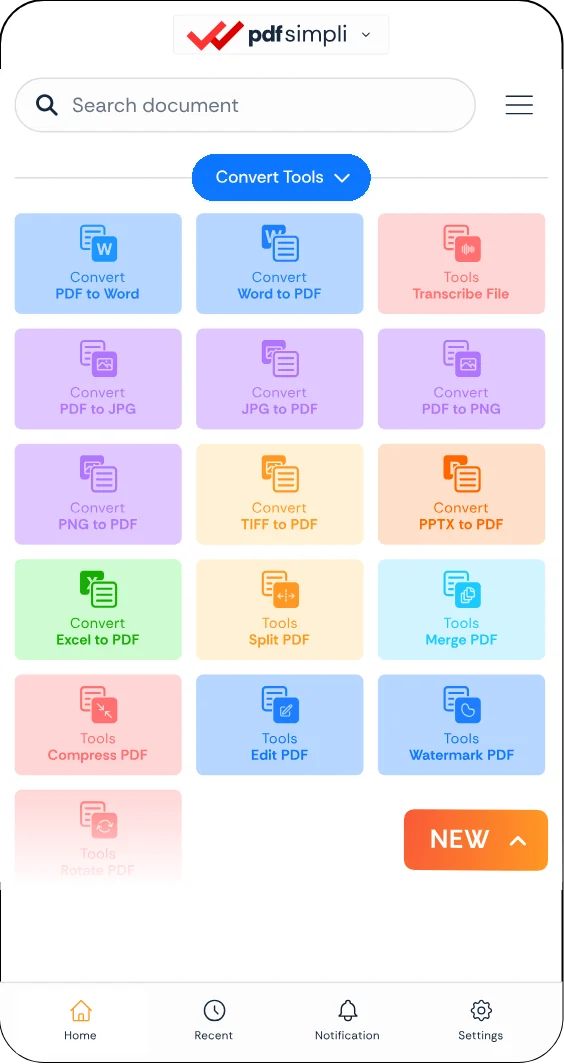
The ConvertSimpli app showing a document being converted between formats
Convert simpli tools