Convert PNG into PDF

Convert PNG images into organized PDFs, for easier uploading, sharing and keeping related pages together

Combine multiple PNG images into one consolidated and organized PDF
Transform transparent PNGs and digital art into professional client deliverables
Make screenshots and scans easy to share, print, and upload

24/7 multilingual phone, chat
and email support | +1-844-898-1076

pdf
Upload Your Files
Drop a File to Convert
or

Everything you can do with ConvertSimpli

Do more with AI-powered file conversion

Convert and edit any type of file easily

  • Keep related image content together for storage and sharing

  • Compile digital graphics and UI design mockups into clean PDFs
  • Compiles multiple graphics and wireframes into a continuous review doc
  • Supports high-res artwork from Figma, Sketch, Illustrator, and Canva
PNG images being combined into a PDF

Frequently asked questions

Simple answers to your questions

How do I convert PNG to PDF?
Upload a PNG image and convert it into a PDF. Download the completed document or edit it inside of our editor.
Can I combine several PNGs into one PDF?
Yes. You must convert each PNG into a PDF separately. Once you have all the PDFs, choose 'merge' inside of our editor to assemble into a single PDF, which is useful when images belong together as one document or submission.
Why use PNG to PDF conversion?
PNG files are useful for detailed graphics and screenshots, while PDFs make it easier to package multiple pages into one file for sharing or uploading.
Will transparent areas in a PNG stay transparent in a PDF?
Transparency may be rendered differently based on the conversion workflow and the PDF viewer. Review the finished PDF to ensure backgrounds and visual elements appear correctly.
Making formats simple
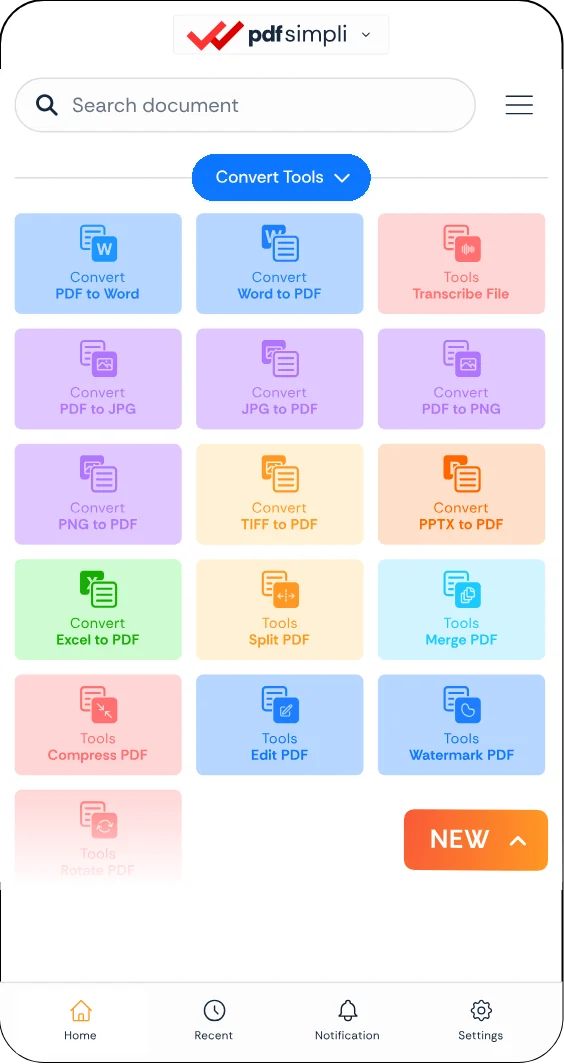
The ConvertSimpli app showing a document being converted between formats
Convert simpli tools