Convert PPTX into a polished PDF

Convert PowerPoint presentations into portable PDFs, so slides are easier to share, print and view on any device

Turn presentation slides into uneditable PDF pages with your intended layout
Share decks seamlessly across devices and teams
Prepare slides for easy printing, review and distribution

24/7 multilingual phone, chat
and email support | +1-844-898-1076

pdf
Upload Your Files
Drop a File to Convert
or

Everything you can do with ConvertSimpli

Do more with AI-powered file conversion

Convert and edit any type of file easily

  • Ensure pitch decks, webinar slides, and training modules display accurately
  • Lock slide layouts for pitches and conference handouts
  • Ideal for non-editable client proposals, pitch decks, and investor updates
  • Create print-ready pages and easily attach to emails
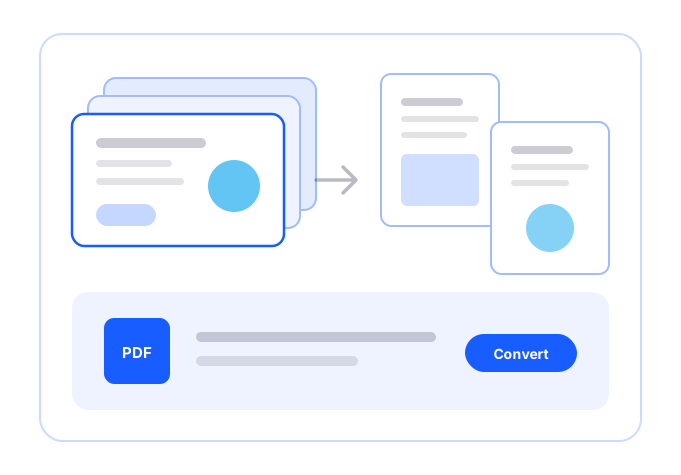
Slides being converted into PDF pages

Frequently asked questions

Simple answers to your questions

How do I convert PPTX to PDF?
Upload the PPTX presentation, select PPTX to PDF and download the converted document. Open the PDF to check slide order, images, fonts and visual alignment.
Why convert a PowerPoint presentation to PDF?
PDFs make presentations easier to share with people who may not have PowerPoint. They also help preserve slide layouts for review, printing and distribution.
Will animations convert from PPTX to PDF?
No. PDFs display static pages, so slide animations, transitions, audio and interactive elements may not carry over as they appear in a presentation file.
Can I print a PPTX-to-PDF document?
Yes. Converting a presentation to PDF can make it easier to print slides, distribute handouts or share a visual reference during meetings.
Making formats simple
The ConvertSimpli app showing a document being converted between formats
Convert simpli tools